

Your AI agent has one silent failure mode most UAE operators never plan for: the model underneath it gets switched off. That is LLM model deprecation.
The provider announces a sunset date, gives you a migration window, and the model ID your agent calls stops working when the window closes. Handled early, it is a config change. Handled late, it is a WhatsApp queue full of Arabic-English customer messages your agent can no longer answer.
Key Takeaways
- Models retire on a schedule, not a surprise — Providers give most models a 12 to 18 month lifespan before removal. Treat retirement as a normal operating condition for any production agent, not an edge case.
- The real damage lands before the API breaks — A retired model returns an error and stops instantly, but the provider's named replacement can already be shifting tone, verbosity, refusal patterns, and language handling before that date, invalidating prompt logic and evals tuned to the old model.
- Arabic-English WhatsApp agents feel it first — For a UAE business running a bilingual agent on WhatsApp, behaviour shifts from a model swap land in the primary sales channel, often before an engineer notices.
- Put model status on the monthly maintenance calendar — Deprecation tracking, documented behaviour baselines, and scheduled migration tests belong next to cost, latency, and output quality in a recurring monthly review, not an emergency response plan.
- One config variable turns migration into a redeploy — Hardcode the model ID across five files and migration becomes a hunt. Keep it in one config variable and document expected outputs at build time, and every future migration becomes a planned, low-effort change.
What LLM Model Deprecation Actually Means
Three status states matter in the LLM model deprecation lifecycle: active, deprecated, and retired.
Active means fully supported. Deprecated means the provider has published a sunset date but the model still responds. Retired means the API returns an error, and every agent still pointing at that model ID goes dark.
Concrete examples make the timeline real. anthropic.claude-3-haiku-20240307-v1:0 on Amazon Bedrock carries a removal date of 10 September 2026. gpt-4o-2024-05-13 on Azure OpenAI is scheduled for 1 October 2026.
Typical model lifespans sit around 12 to 18 months, though popular workhorses sometimes get longer runway. The stretch between "deprecated" and "retired" is your migration window. Miss it, and the agent stops functioning with no further warning.
Three status states define where a model sits in its lifecycle, and each one calls for a different response.
PwC Middle East publishes comparable regional work, and reading both is a cheap way to spot where a single number is being over-quoted.
| Status | What it means | API behaviour |
|---|---|---|
| Active | Fully supported | Responds normally |
| Deprecated | Sunset date published | Still responds |
| Retired | Sunset date has passed | Returns an error |
Why LLM Providers Keep Retiring Their Models
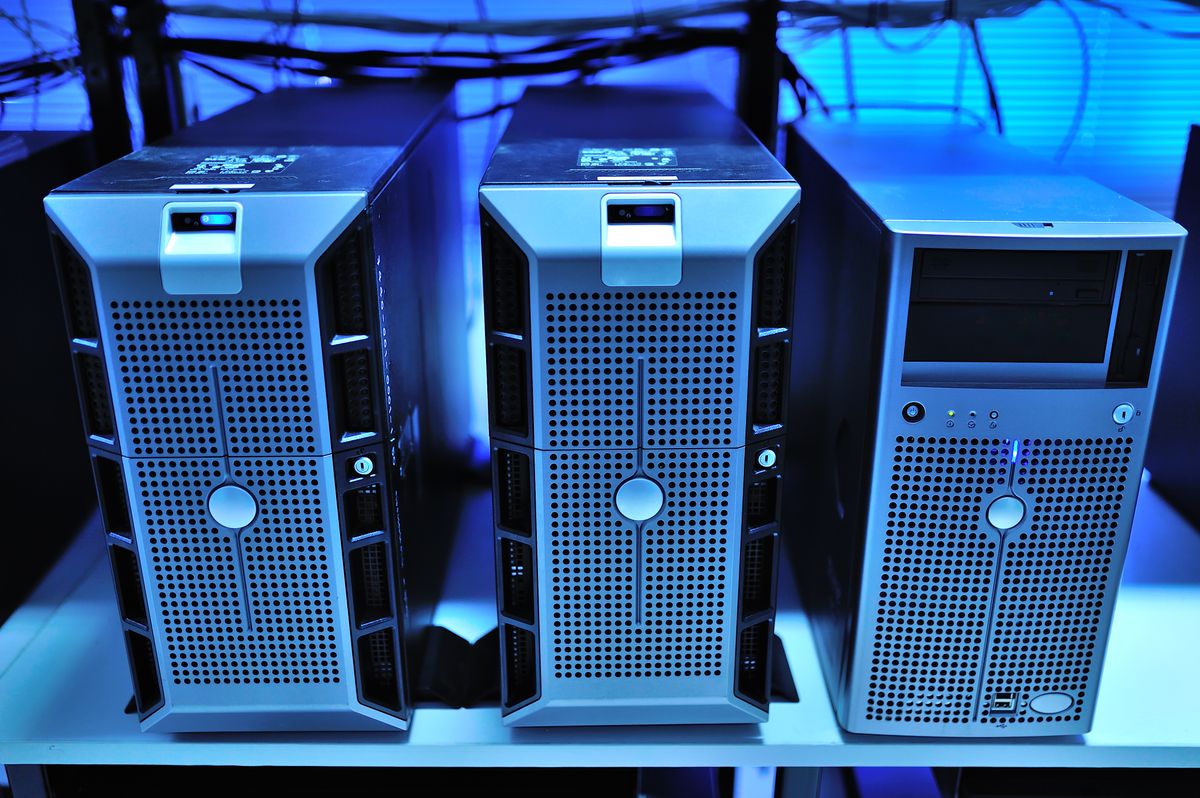
Photo: panumas nikhomkhai on Pexels
Providers cycle older versions out to promote newer, more capable ones. This is infrastructure economics, not neglect toward customers already on the older version.
The volume is real. On 20 August 2026, one platform's deprecation timeline sunset Claude Opus 4.6, Claude Opus 4.7, Claude Sonnet 4.6, GPT-5.4, GPT-5.5, Virtuoso 1.5, and Helix 1.5 all at once. Every agent tuned to any of those models entered a countdown that morning.
For UAE operators, the pressure only grows from here. With 70.1% of the UAE's working-age population using AI compared to a 17.8% global average, per the Microsoft AI Economy Institute's Q1 2026 diffusion report, demand is pulling providers to ship new generations faster, not slower. A large language model you rely on today could be retired inside a year, and planning for that is now part of running an AI-supported business here.
The US National Institute of Standards and Technology organises its AI Risk Management Framework around four functions: govern, map, measure and manage.
What Actually Breaks When a Model Is Retired
Two failure modes hit when a model is retired: one visible, one silent. Visibly, every API call to a removed model returns an error, and every agent, automation, or scheduled job referencing that model ID stops the moment the sunset passes.
The silent one arrives earlier. Even swapping to the provider's named replacement changes output behaviour.
Tone shifts, verbosity changes, refusal patterns move, and language handling adjusts. Prompt logic tuned to the old model can break in ways no error log will catch.
For a UAE business running an Arabic-English bilingual agent on WhatsApp, this is where the real damage lands. Customers feel the change first, in your primary sales channel, often before an engineer notices anything is off. Any evals you built against the old model are also invalidated the moment behaviour shifts, which is why the rerunnable eval framework in our guide to testing an agent without a data scientist matters.
ISO/IEC 42001 is the international management system standard for artificial intelligence, and it is the certification enterprise buyers in the region ask about most often.
How to Catch a Deprecation Notice Before It Becomes an Outage
Subscribe to the provider deprecation pages directly. Three sources cover almost every announcement worth catching: OpenAI's API deprecations, Anthropic's model deprecations, and the community-maintained deprecations.info registry. Put them in a shared channel your operations lead actually reads.
Then automate. The llm-model-deprecation command line tool scans a project for deprecated or retired model references, and runs on CI, cron, or your laptop.
It installs in one line: pip install llm-model-deprecation. Wire it into your build pipeline or a weekly cron so nobody on your team is the last to hear about a sunset date.
Pair the automation with a monthly review. Our monthly AI health check walks through eight things to review on a recurring basis, and model lifecycle status belongs on that list next to cost, latency, and output quality.
OWASP's Top 10 for LLM Applications ranks prompt injection first among the risks specific to language-model software.
Your Response Plan When the LLM Model Deprecation Notice Lands

Photo: https://kaboompics.com/ on Pexels
Four steps stand between "notice received" and "migration complete", and they run in order.
Inventory first. Search every codebase, prompt config, fine-tuning reference, and integration setting for the retiring model ID.
Do not change anything yet. You cannot migrate what you have not counted.
Test the replacement second. The provider will name a successor. Run it against the same prompts your production agent uses and compare outputs against a documented baseline.
"Does it return a response" is not a test. Bilingual tone, refusal behaviour, and formatting need explicit verification.
Gate deployment on evals third. Rerun your evals against the new model before you switch production traffic, using the structure from our evals guide for business teams. Fourth, update your monitoring and alerting to reference the new model ID so the next LLM model deprecation cycle triggers the same workflow instead of another scramble.
If you are not sure what you are running today, book a free 30-minute consultation and we will map every model in your stack and score your deprecation exposure honestly.
How to Build an Agent That Survives Model Deprecations
The biggest architectural change to make first: abstract the model ID into one configuration variable. If the model string is hardcoded across five files, migration is a hunt. If it lives in one config, migration is a one-line change and a redeploy.
Document expected output behaviour at build time. Write down the tone you want, the response length, the language mix, and the refusal patterns. That document becomes the benchmark you test against on every future migration, and the artefact that lets a non-developer confirm the replacement model behaves acceptably.
Treat LLM model deprecations and drift as related risks that share a monitoring layer. A model past its prime degrades quietly. A retired model breaks loudly.
Both need eyes on them, and our plain-English guide to drift covers the quiet side of the picture. The operational layer that watches deprecation alongside drift, latency, and cost is what we cover in AgentOps, the broader framework this article sits inside.
Making LLM Model Deprecation a Maintenance Task, Not a Crisis
Deprecation becomes a maintenance task the moment you actually use the notice window providers already give you. The gap between "deprecated" and "retired" is real, sometimes months long.
Businesses that are watching use that window productively. Businesses that are not end up in emergency mode with customers as the first line of feedback.
Put model status on the same monthly review calendar as output quality, cost, and latency. Handled that way, the next model retirement is a scheduled task on a Tuesday morning, not a fire on a Friday afternoon.
UAE SMEs carry this risk disproportionately. Smaller in-house engineering means a deprecation that a large organisation catches in CI can go unnoticed here until a customer flags a broken WhatsApp reply or a bilingual flow that has stopped making sense.
The way out is not more staff. It is a system.
If you want a second pair of eyes on your setup, book a free 30-minute consultation. We will map every model your current AI setup depends on, give you an honest read on your LLM model deprecation exposure, and tell you what, if anything, needs to change now.
FAQ
What is the difference between a deprecated model and a retired model?
Deprecated means the provider has announced a sunset date but the model still responds to API calls. Retired means the sunset date has passed and calls now fail. The gap between the two is your migration window.
How much notice does a provider typically give before retiring an LLM?
Providers publish removal dates months in advance. Recent examples include 10 September 2026 for one Anthropic model on Amazon Bedrock and 1 October 2026 for a GPT-4o snapshot on Azure OpenAI. Exact runway varies by provider and model tier, so subscribe to the deprecation pages the moment you go into production.
What happens to my agent's outputs when the underlying model is swapped for its replacement?
The provider-named replacement will change tone, verbosity, refusal behaviour, and language handling. Outputs will look different even when the prompt does not change. This is why documented baselines and rerunnable evals matter more than a one-time smoke test.
Can my application keep calling a deprecated model after the published sunset date?
No. Once the model is retired, the API call returns an error and stays that way. There is no grace period after the sunset date.
How do I track which LLM model versions my production agents are currently using?
The llm-model-deprecation tool scans a project for deprecated or retired model references and runs in CI, cron, or locally. Pair it with a monthly manual review so the list is never stale.
Does migrating to a new model affect my agent's compliance with UAE data regulations?
Migration is a good moment to confirm your provider's data handling still matches your obligations under UAE law. Where the data moves, who processes it, and what the retention terms say all deserve a fresh look alongside the technical swap.
How often should a UAE business expect to migrate its AI agents to a new model version?
Assume once every 12 to 18 months at minimum, and more often if you use the newest generation of frontier models. Plan the cadence in, and each migration stays a maintenance event rather than a surprise.


