

Getting paid on time in the UAE is rarely a spreadsheet problem. It's a channel, language, and timing problem. The client with an outstanding invoice isn't ignoring you.
They never read the email, and your polite reminder landed in a queue they don't check. Automate invoice follow-up the right way and you stop the awkward Sunday chaser, letting the client pay before it needs sending.
Key Takeaways
- Automation cuts collection time by up to 80% — Payment cycles shorten by 30 to 50%, but only if reminders reach clients on the channel they actually use.
- WhatsApp is the channel that gets replies — UAE finance contacts often skip business email but reply to WhatsApp reminders within minutes, so email-only sequences miss them.
- Reminder templates need Arabic and English — Single-language sequences delay payment from clients who would pay sooner if the message came in their working language.
- Do Not Call breaches carry steep fines — Cabinet Resolutions 56 and 57 of 2024 set fines of AED 50,000, AED 75,000, and AED 150,000 for a first, second, and third violation.
- Automation handles routine, humans handle exceptions — Disputes, payment plans, and accounts over 30 days overdue get flagged to a person, keeping the client relationship intact.
The real cost of chasing payments manually in the UAE
Manual follow-up burns time. Industry benchmarks put automated collection time savings at up to 80%, with invoices paid 30 to 50% faster once the chasing loop moves off a human calendar.
A finance lead in a 40-person Dubai business already has three other jobs before lunch.
The bigger cost is relational. UAE business culture rewards courtesy, patience, and knowing which conversation belongs on which channel.
A poorly timed reminder on the wrong channel or in the wrong language can undo months of trust. Aggressive wording backfires: the invoice gets paid later, not sooner.
Then there's the queue problem. Your client never opens email.
They reply on WhatsApp within minutes. You've been optimising the wrong inbox, and automating that same wrong inbox only speeds up the misses.
Stanford's AI Index report tracks adoption, cost and capability trends year on year, and is a useful check against vendor claims.
What automated invoice follow-up actually does
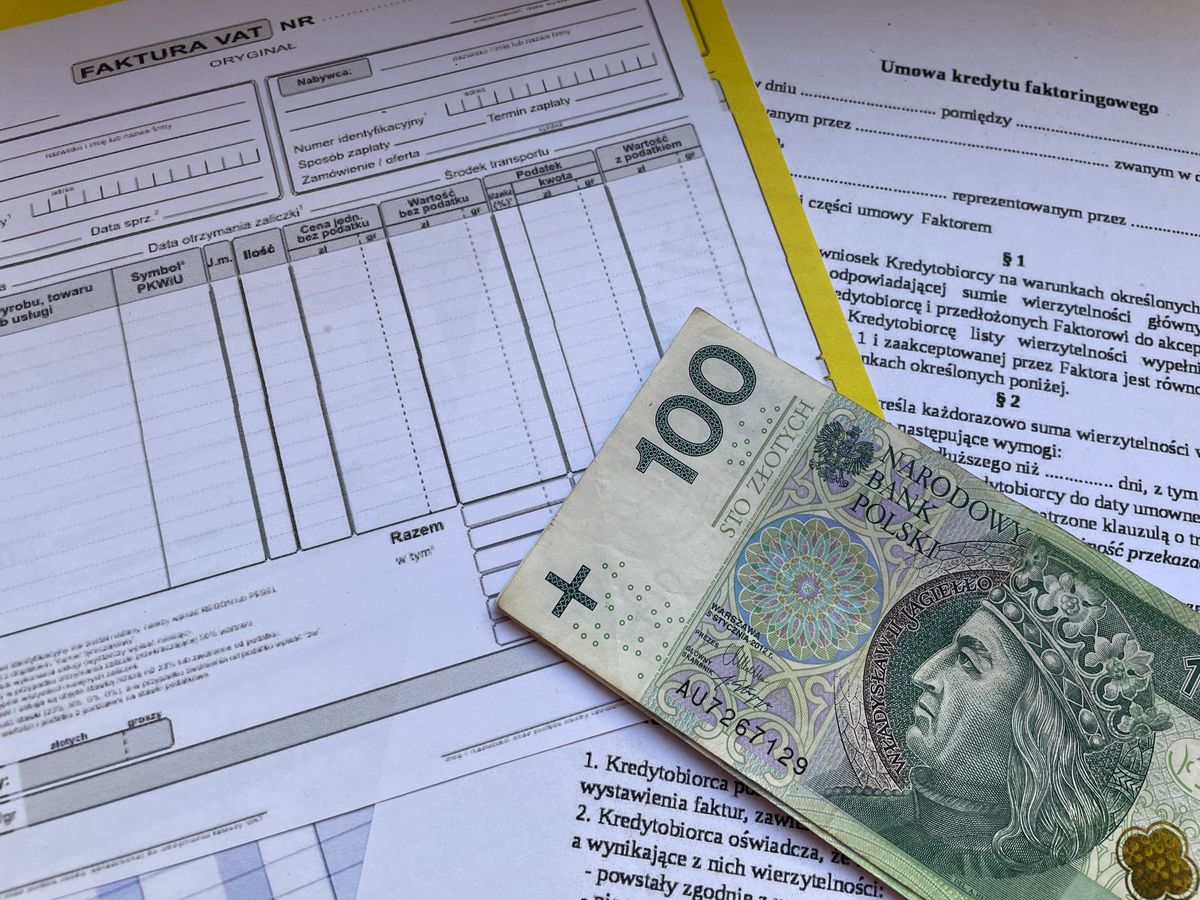
Photo: Niepoddawajsie.pl Luk on Pexels
An automated reminder fires against a rule: send this message X days before, on, or after the invoice due date. Setting the day count to zero sends it on the due date. Most accounting platforms ship with three default reminders you can turn on and edit.
Beyond timing, the guards matter. Draft invoices don't trigger follow-up.
Closed invoices go inactive. Invoices without a due date can't be scheduled until the date is added. Those defaults exist so you don't chase money you're not owed.
Each invoice tracks its own status, recipient, and next action, so your team doesn't hunt through email threads. Per-invoice controls let you pause, skip, or cancel a reminder for exceptions without breaking the wider sequence.
WhatsApp first: the channel UAE clients actually reply to
WhatsApp is the primary business communication channel in the UAE. Your client's finance controller doesn't live in Outlook.
They live in a WhatsApp thread with twelve suppliers, expecting replies in minutes, not days. Email-only reminder sequences miss the clients who reply before their coffee cools.
This changes which channel your first reminder should use. For SME clients, WhatsApp goes first and email second as the paper trail.
For a large corporate finance department that only pays against emailed PDFs matched in their ERP, email leads and WhatsApp is a nudge. Either way, the automation needs to fire on the right queue.
The practical route is the WhatsApp Business API. The same before-on-after-due logic works, but messages must be pre-approved templates and Meta's approval window takes days. Factor that in so the sequence is live before your first invoice.
Bilingual reminders: building templates that work in Arabic and English
UAE clients write in Arabic, English, and a mix of both, sometimes Arabizi. A single-language template alienates part of the customer base and slows payment from clients who would have paid today if the message was in their working language.
Two approaches work. First, parallel bilingual templates: one message with the Arabic block on top (right-to-left) and the English below, so the same reminder serves both.
Second, branched sequences that pick the language from the contact's recorded preference. Bilingual-in-one is simpler; branched is cleaner once your customer records are tidy.
Tone matters as much as language. UAE business norms expect courtesy in a payment request, even when overdue. "Hoping this finds you well, just a gentle reminder" outperforms "Payment overdue, action required" on both response rate and payment speed.
Test every template in a real WhatsApp or email client before going live. Your tool must handle Unicode right-to-left text correctly, or Arabic renders as broken characters and you lose the client instead of collecting.
Building your reminder sequence: before, on, and after the due date
The three-stage sequence is the workhorse. Courtesy reminder before the due date, due-day nudge on the day, overdue escalation after. That mirrors the default three-reminder pattern most accounting platforms ship with, and covers most clients before real escalation is needed.
Route each stage to the right recipient. Sometimes the paying contact differs from the project contact.
A stage aimed at the customer's finance mailbox and a parallel one to your project owner catches both sides. That matters most on the due-date stage, where a heads-up to your team lets someone make a friendly WhatsApp call to a high-value client.
The finance team works a collections queue, filtered by invoice number, recipient, overdue status, and next-action timing, not a shared inbox. That's where the up-to-80% time saving comes from, and where 30 to 50% faster payment cycles show up.
UAE compliance: PDPL and telemarketing rules
Federal Decree-Law No. 45 of 2021, the UAE's Personal Data Protection Law, governs how you store customer data inside an automated sequence. Before you plug a tool into your accounting system, confirm where the data is processed.
In-region storage keeps the compliance conversation short. DIFC and ADGM entities face layered data regimes on top of federal PDPL, so confirm which regime governs your entity before choosing where customer data sits.
Cabinet Resolutions 56 and 57 of 2024, effective 27 August 2024, restrict automated outreach to a 09:00 to 18:00 window and enforce a Do Not Call Registry. Breaches carry fines of AED 50,000, AED 75,000, and AED 150,000 for first, second, and third offences.
Invoice reminders to existing clients about genuine outstanding debt sit in a lower-risk category than cold marketing. Once you're broadcasting WhatsApp templates at scale, that boundary blurs. Take legal advice before you go live, especially if the same template list mixes prospect nurture with invoice chasing.
Matching the right tool to your UAE invoice volume
Photo: crazy motions on Pexels
Volume tiers are a useful benchmark. Up to 30 invoices per month, 30 to 75, 75 to 250, and 250 to 1,000,000+ each call for a different level of investment.
At the low end, your accounting platform's built-in reminders usually cover it. Above roughly 75 invoices a month, you'll start feeling the edges: no WhatsApp, no Arabic templates, no way to route to different owners cleanly.
That's where off-the-shelf tools stop and a custom layer earns its keep. The evaluation questions never change: does it support WhatsApp Business API, render Arabic Unicode correctly, handle UAE VAT invoice fields, and store data in-region for PDPL compliance? If any answer is "not natively", you're either compromising or building the missing piece yourself.
For most UAE SMEs above 75 invoices a month, a purpose-built layer on top of Xero, QuickBooks, or Zoho pays for itself faster than an enterprise SaaS tier that still doesn't speak Arabic. If AI is new territory, our primer on where to start with AI for a Dubai business is a useful companion read.
Which approach fits depends on how many invoices you're chasing each month:
| Monthly invoice volume | Best-fit approach | Why |
|---|---|---|
| Up to 30 invoices | Accounting platform's built-in reminders | Usually covers it at this scale |
| 30 to 75 invoices | Off-the-shelf reminder tools | Works if they support WhatsApp and Arabic |
| Above 75 invoices | Custom layer on your accounts system | Off-the-shelf tools miss WhatsApp, Arabic, routing |
Connecting invoice automation to the wider finance workflow
Reminder automation is one piece. It works best reading live invoice status from the accounting system, so a payment at 3pm cancels the 4pm reminder. Integrating with Xero, QuickBooks, or your ERP removes the manual status-check step.
Design an escalation path from day one. Automation handles the first three stages.
Genuinely overdue accounts (30 days past due or a repeat offender) get flagged to a human for a direct WhatsApp call, a face-to-face meeting, or formal collections. The system removes admin, not judgement.
Reminders sit inside a wider finance stack. Reconciliation, VAT return prep, expense capture, and cash-flow forecasting all run off the same data layer. Our AI for Finance and Accounts Teams in the UAE page maps the picture, and a well-built system frees the finance team to focus on exceptions and disputes.
Talk to us before you buy a tool
Every finance stack is different, and the wrong automation tool costs more than the manual chase it replaces. Book a free 30-minute consultation with Lenoo AI and we'll map where invoice follow-up automation fits your workflow. If it's not the right next step, you'll be told so.
Related reading
- AI Appointment Booking
- AI Complaint Handling
- AI Email Triage: Route Every Message Before a Human Reads It
FAQ
Does automated invoice follow-up work over WhatsApp for UAE businesses?
Yes, through the WhatsApp Business API using pre-approved template messages. The same before-on-after-due logic works, and reply rates are dramatically higher than email. Factor in Meta's approval window so your sequence is live before your first invoice ships.
Can I send invoice reminders in both Arabic and English automatically?
Yes. Use one bilingual template with Arabic above English, or branch the sequence on the contact's recorded language preference. Make sure the tool renders Unicode right-to-left text correctly, and test every template in a real WhatsApp thread before going live.
What happens if an automated reminder fires after the client has already paid?
If integrated with your accounting system, a paid invoice moves to closed status and stops. Standalone tools that don't sync cause embarrassing chasers on invoices already settled.
Do UAE telemarketing rules apply to automated invoice reminders?
Invoice reminders to existing clients about genuine outstanding debt sit in a lower-risk category than cold marketing. But Cabinet Resolutions 56 and 57 of 2024 restrict automated outreach to 09:00 to 18:00 and enforce a Do Not Call Registry, so take legal advice if your setup mixes reminders with marketing.
When should I pause automation and follow up with a client manually?
Pause when the invoice is disputed, when a payment plan has been requested, during delicate moments like renewal or scope disagreement, or when the account is more than 30 days overdue. Automation handles routine work; humans handle judgement.
What invoice volume justifies building a custom automation workflow in the UAE?
Below 30 invoices a month, your platform's built-in reminders cover it. Between 30 and 75, off-the-shelf tools work if they support WhatsApp and Arabic. Above 75, a custom layer on top of your accounts system typically returns more than an enterprise SaaS subscription.
How does PDPL affect the customer contact data I use in reminder sequences?
Federal Decree-Law No. 45 of 2021 governs how you store customer data. Confirm the tool's data residency (in-region is safest) and check whether DIFC or ADGM rules apply for your entity.